

Add a server without a public IP
A machine behind NAT or a firewall, such as one in an office, cannot be reached from the internet. Ramphast publishes its instances through a Cloudflare Tunnel of its own instead: the panel creates the tunnel in your Cloudflare account, and the agent on the machine runs its connector, which dials out to Cloudflare. You open no port on the router.
Before you start
Section titled “Before you start”- Cloudflare set up in the panel, in Settings → Domain and DNS, with a token that may create tunnels. See Cloudflare token.
- A machine running one of the supported systems, with an account
that can run
sudo. - The machine can reach the internet: the panel over HTTPS, GitHub to download cloudflared, and Cloudflare.
Register the server
Section titled “Register the server”-
In the panel, open Servers and select Register server.
-
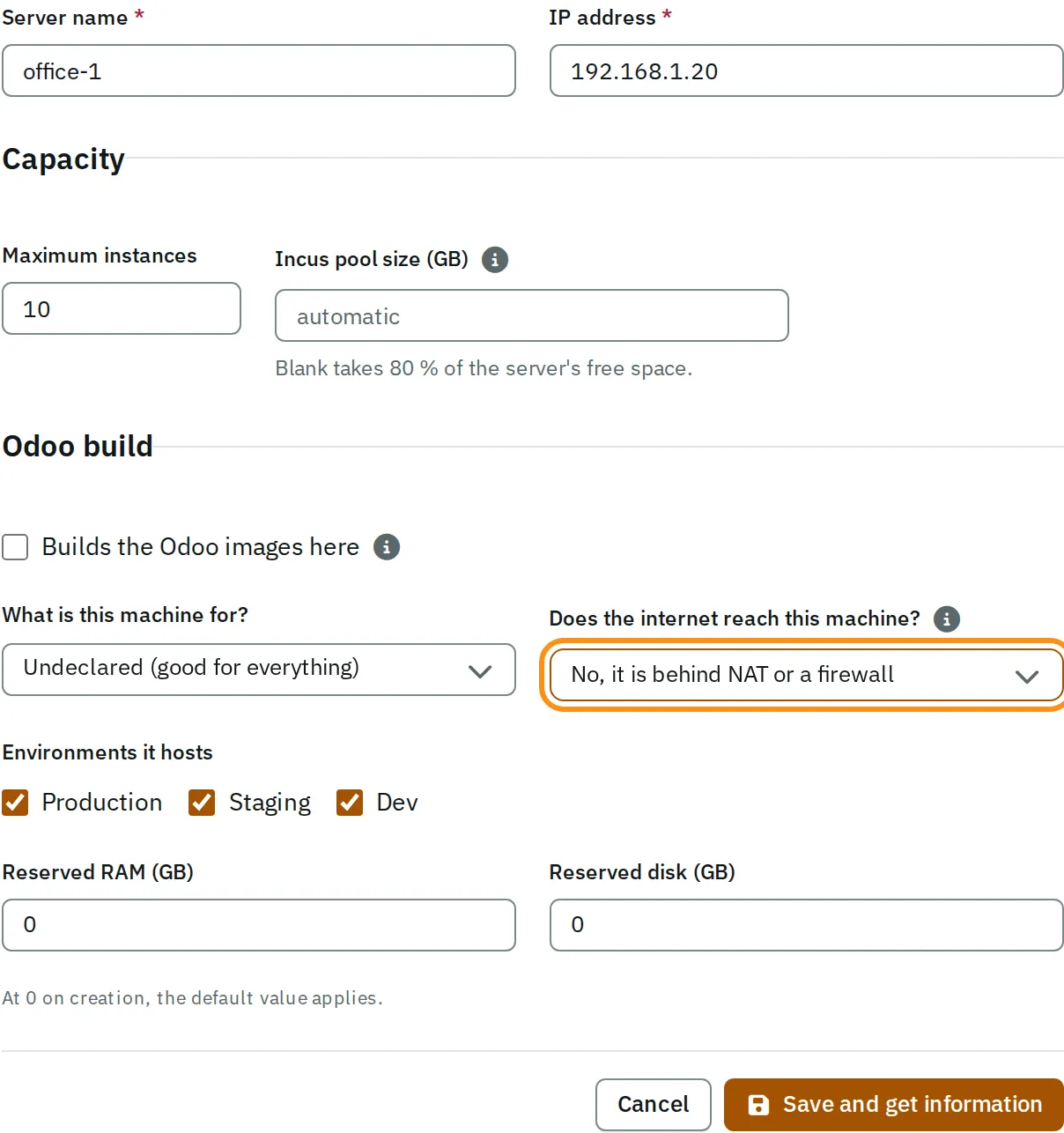
Enter a Server name, and in IP address the machine’s address on its own network.
-
In Does the internet reach this machine?, select No, it is behind NAT or a firewall.
The form now looks like this:
-
Select Save and get information.
The panel creates the server’s tunnel and shows the install command. The command includes
OSAAS_TUNNEL=1, which sets up the connector and keeps ports 80 and 443 closed.
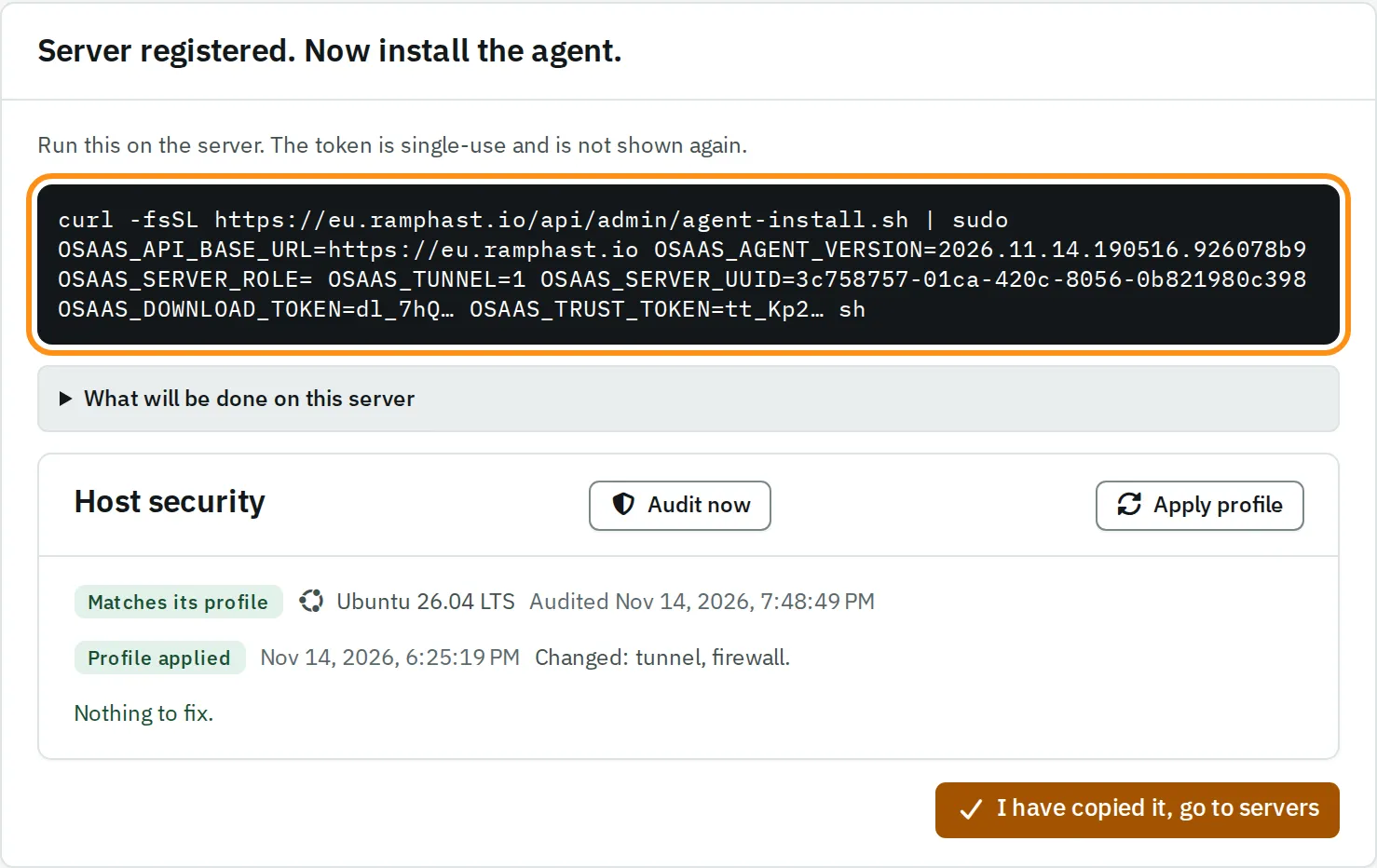
If the panel could not create the tunnel, a message above the command says why. It is usually a token permission. The server is registered anyway: fix the cause, open the server, and select Make its tunnel.
Install the agent
Section titled “Install the agent”- Copy the command.
- Connect to the server over SSH and run the command.
- In the panel, open the server.
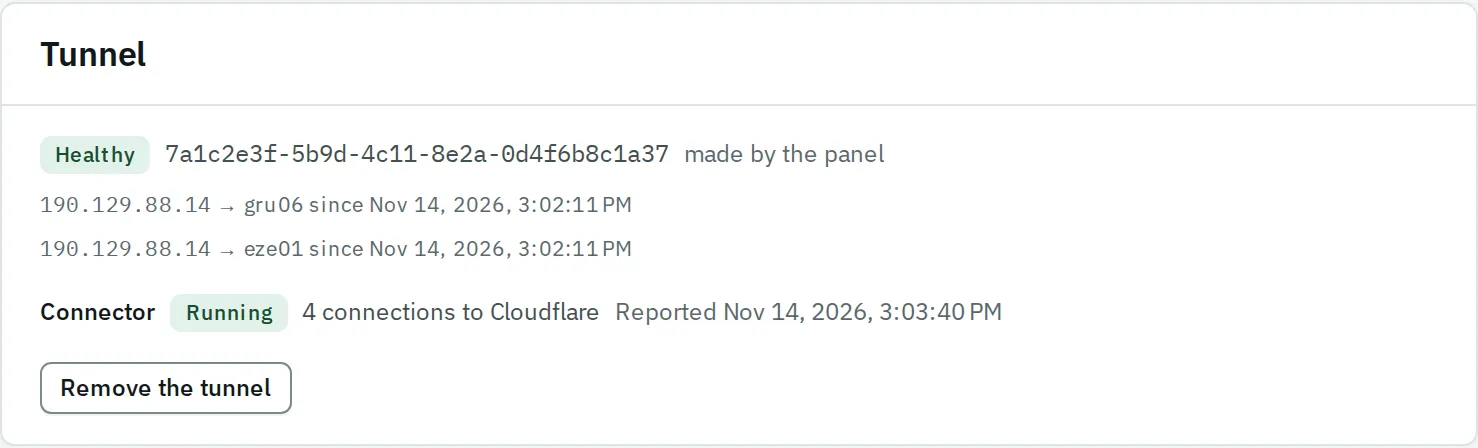
The Tunnel card shows the tunnel as Cloudflare has it, and the connector as the agent reports it. When the tunnel is Healthy and the connector is Running, the server is published.
Several servers on the same network
Section titled “Several servers on the same network”Your servers reach each other over the partner’s mesh, a private network between them. Two servers behind the same router find each other on the network they share. The Mesh card on each server shows the other one Talking, at its local address.
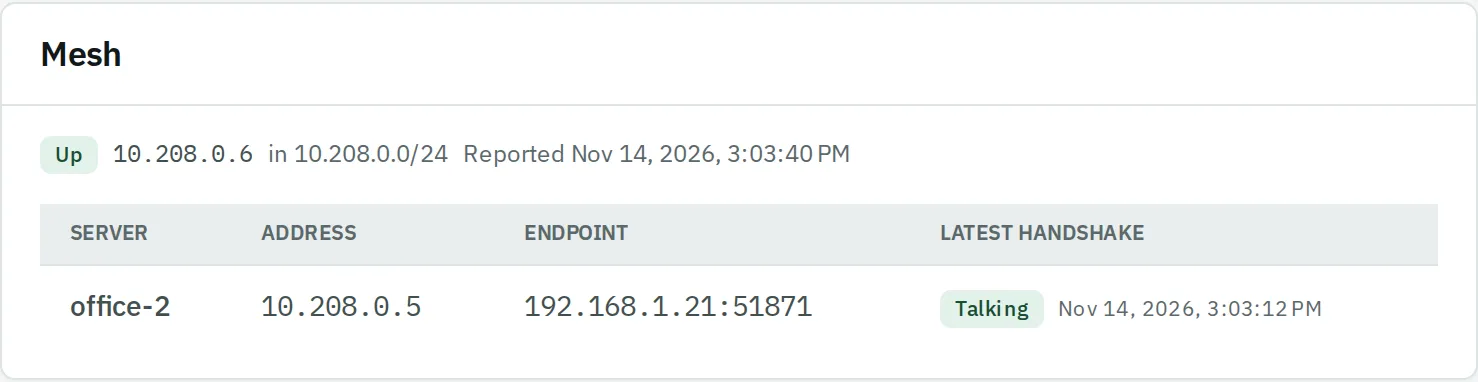
Two servers behind different routers, both without a public IP, cannot reach each other. Ramphast never places an instance on one with its database on the other.
Limits
Section titled “Limits”- Every request crosses Cloudflare: a request body of up to 100 MB, and 100 seconds for an answer.
- A backup server, and a client’s read-only access to its database, need a public IP.